

Pixel Perfect Design is a Bad Idea and Here’s Why

For as long as I remember working in web development, there has been this idea that when you get a design mockup, if you can integrate it “pixel perfect”, you are the best frontend developer there is. The cream of the crop. The top of the pile. The… pile of… the stack.
But what is a design mockup? What does it mean to integrate one? What does “pixel perfect” mean? Buckle up, coffee cup, because we’re about to embark on one of my cold takes.
This article gives a lot of context about the web and how the need for web design has grown over the years. If you want to skip all of the context and go directly to the core of the subject, you can do so by clicking here.
WYSIWYG?
Maybe you’ve seen this word before. Maybe you know what it means, maybe not! Anyhow, I’m going to define some things first.
ℹ️ WYSIWYG
It’s an acronym. Meaning it’s an abbreviation that you can actually pronounce like a word, without having to list all the letters. Wiz-ee-wig, What You See Is What You Get.
Back when the web was a simpler world, this word was thrown around a lot about software like Dreamweaver, Microsoft FrontPage or even Microsoft Word. The promise was that you could create and edit formatted content in a visual and “intuitive” way (as opposed to having to write code). Then, you’d just need to save as HTML and boom! You’d get what you… saw. Before. While you were editing.

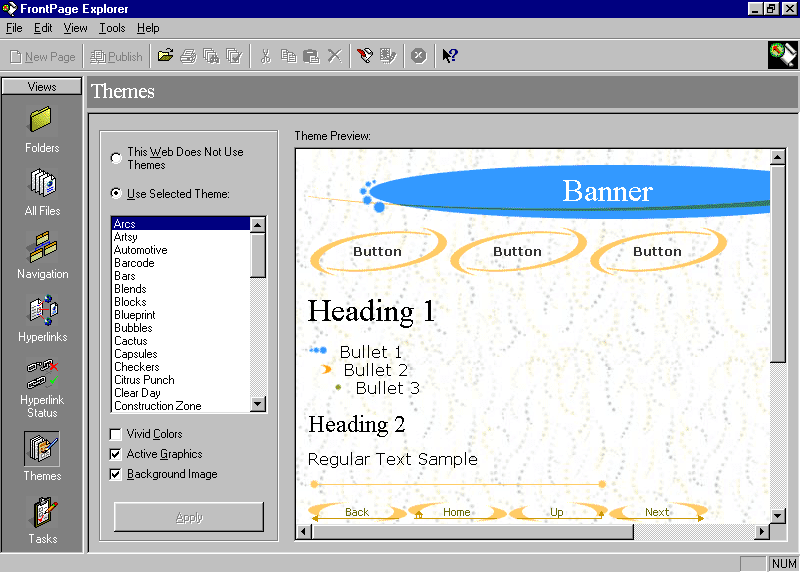
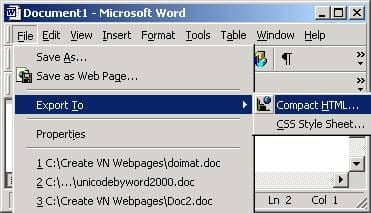
ℹ️ Web Design
The first websites were mostly about content. The web at first felt like a whole new way of sharing knowledge, spreading information, and so a lot of the first websites were blogs, news pages, and the likes. Trust me, I wasn’t born back then, so I know what I’m talking about.
Because everyone was so focused on content, design was secondary. Design was meant to hierarchyz- hierark- was meant to give a structure to the content. The titles were bigger than the rest, important bits of information were in bold, sometimes italic, links were underlined. Functional was the name of the game.


Then, some websites tried to get cute logos and banners. If they were feeling adventurous they’d put a navigation to the left of the main content. Until everyone realized the web was ugly. The problem was that nobody had any idea how to make it prettier! The tools back then were… Very bare bones.
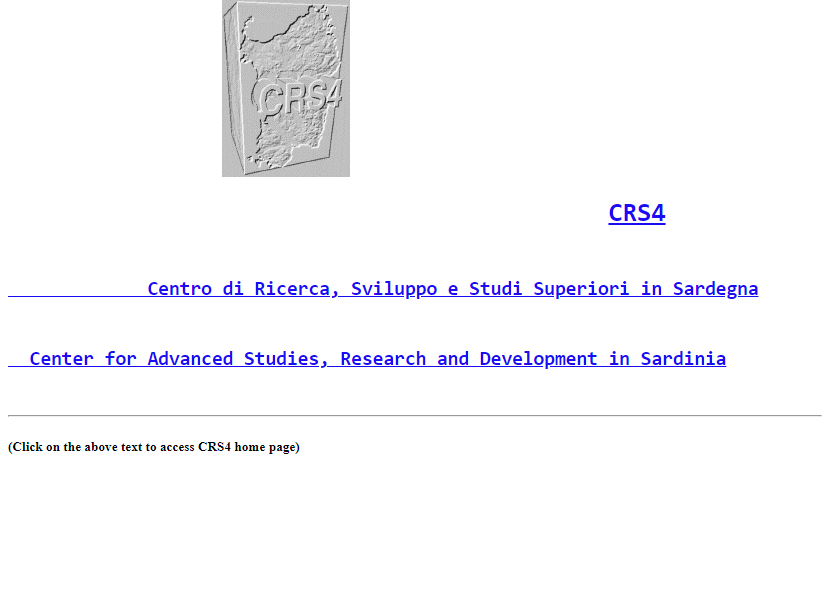

So the web had to evolve. And as everyone was trying to make their website prettier and prettier, people started specializing in web design. And since there was no standard yet for what makes a good web design, well… Let’s just say people started… Searching.


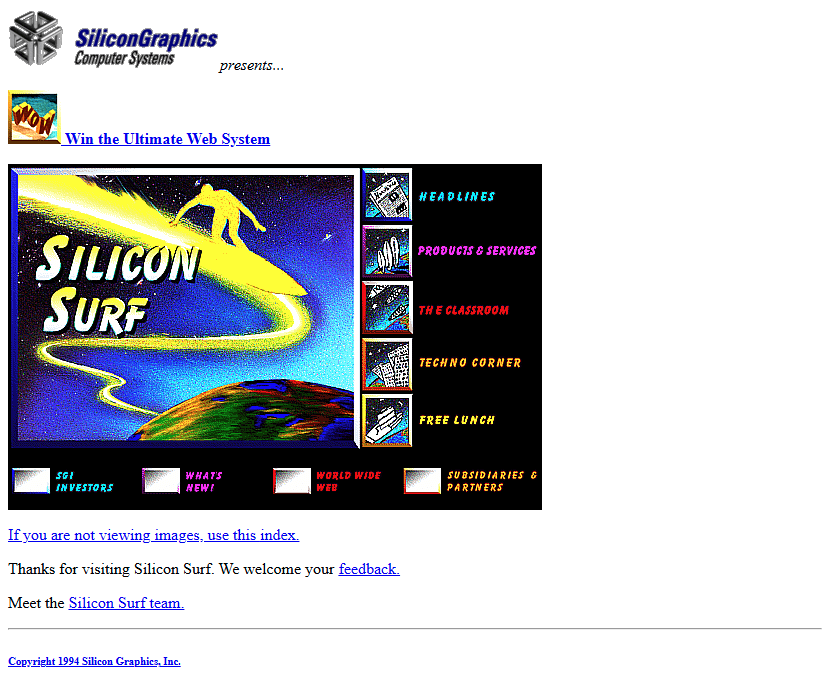
Now, I’m not one to cast the first stone, or… Any stone at all to be honest. Design has never been my strong suit, and for the era, those were B-E-A-UTIFUL websites!
Fast forward a few years and the Adobe Flash Situation™, people started figuring out that in order for your design to be good, people have to understand how to navigate through the website without needing a manual, and the standard slowly manifested from that realization.
What also became obvious was that a lot of developers are not good designers and vice-versa. So the work of making a design for a website became its own job, and the work of creating code to make a website stayed a different job.
ℹ️ Design Mockup and Integration
Once designing and coding websites became separate roles – and as people started expecting websites to actually look good – designers and developers needed a way to work together. That’s exactly what Design Mockups are for.
When a satisfied designer wants to share their design, they usually do so in the form of a mockup. In most modern mockup apps, designers can do their job by placing elements in an intuitive way, and developers can inspect the design to get all the relevant information to integrate it.

Integrating a mockup is the process by which we “translate” a design mockup into code. The goal of mockup integration is to stay true to the original as much as possible.
ℹ️ Pixel Perfect
Since the goal of integrating a mockup is to stay true to the original as much as possible, if you are able to write code that shows EXACTLY the same thing in a web browser as the mockup, it must be the best, right? I mean, if every single pixel is at the same place on the mockup and in the browser, then surely it must be perfect! Pixel perfect, even!
One Size Fits One
When a designer works on a web page (let’s talk about web pages only for the sake of this article), they place the elements visually around in a way that’s pleasing to the eye, makes sense structurally, and is overall based on a lot of knowledge and mastery they’ve acquired through their years of practice. As developers, we often do not have all the knowledge they have. We could decide that one element of the design is not important and do it differently, but in the end, it is not our field of expertise and we could be mistaken.
That’s why it is important to stay true to the mockup as much as possible. But it is just as important to recognize that one mockup equals one resolution, and that’s it. If the mockup is 1920×1080, I can integrate it pixel perfect for that one resolution without much trouble. But then, what happens when you resize the window? Or worse, when you decide you want to browse the website on your phone?
When viewing the mockup, it will more often than not act like an image. Everything fixed into place. If you reduce the resolution, you will likely need to zoom out to see the entirety of the mockup. But nowadays, people browse the web on mobiles at least as frequently as they do on desktop. We can’t have a design that’s made only for the latter and ask more than half of our users to zoom out.

One mockup equals one screen resolution, but websites can come in just about any resolution. Asking for pixel perfect integration means you’re willing to spend a lot of time and money on one single screen resolution when more often than not, the majority of your users will rock a different one.
The Solution: Understand and Deconstruct
Communication is key. If I did not make the design, I will be careful about my assumptions. More often than not, it’s easy to figure out what part of a design can be tinkered with based on the resolution. But sometimes, I am not sure and I go ask the person who made the design in the first place.
– Hey, is it okay if I lower the padding on this block on mobile?
– Let me see… Yep! Just make sure that this icon stays to the left and we’re good!
That’s it. I now have clear indications of what I can change to adapt a design to different resolutions, and what is important to keep untouched. I have understood the design and am now able to deconstruct some of its principles so I can adapt them to the reality of the web.
Optimizing: Mobile First
When I get a mockup for a desktop resolution design, it can be hard to deduce what I can change to the design to make it all fit into a mobile resolution. When I get a mockup for a mobile resolution design, it’s usually very easy to adapt it to a desktop resolution.
Either way, if I get only one mockup, one resolution, I will have to adapt it for the other extreme, but also all the in-between resolutions. I have seen a lot of websites that look great on mobile, great on desktop, but if I resize my window so it has a weird in-between resolution, suddenly everything is broken. That’s not a small issue, lots of people work on multiple things at a time, have only one monitor, and resize the browser window to make room for other windows.
The better solution is for the designer to work on the mobile design first – since mobile is where most constraints are – then expand it to a desktop version, and provide two mockups: one for mobile resolutions, one for desktop. That way, it’s very easy for me to see what changed in between the two and what stayed the same. I can easily and with very low risk guess what I can change to adapt for all the in-between resolutions.

The “best” solution is to provide three mockups, with one being for tablet resolutions, but you know what they say about perfect being the enemy of good. Two mockups is plenty. In some cases, three mockups can even create more confusion.
The Cold Take
Pixel Perfect is usually a request that comes from a fear that the design that ends up being integrated will be so different than the one you saw on the mockup that you won’t like it anymore. And I get it, I too would like to have a hamburger that looks as good as they do on the ads. But there’s a middle ground to be found.
The design will have to be adapted for different resolutions. It will have to change. The most important goal is that it stays as functional and as user-friendly as it was on the mockups. The second objective is that it keeps a uniform identity across different resolutions and despite the changes. This cannot be achieved by locking a design into place and demanding its integration to be perfect to the pixel.
The design should serve the content, not the other way around.

